Animations
Implicit animations
With implicit animations, you can animate a control property by setting a target value; whenever that target value changes, the control animates the property from the old value to the new one.
Animation produces interpolated values between the old and the new value over the given duration.
By default, the animation is linearly increasing the animation value, however, a curve can be
applied to the animation which changes the value according to the provided curve.
For example, AnimationCurve.EASE_OUT_CUBIC curve increases the animation value quickly at the
beginning of the animation and then slows down until the target value is reached:
LayoutControl (and its subclasses) provides a number of animate_{something}
properties, described below, to enable implicit animation of its appearance:
animate_opacityanimate_rotationanimate_scaleanimate_offsetanimate_positionanimate(Container)
animate_* properties could have one of the following values:
- Instance of
Animation- allows configuring the duration and the curve of the - animation, for example
animate_rotation=Animation(duration=300, curve=AnimationCurve.BOUNCE_OUT). See this Flutter docs on animation curves for possible values. Default isAnimationCurve.LINEAR. intvalue - enables animation with specified duration in milliseconds andAnimationCurve.LINEARcurve.boolvalue - enables animation with the duration of 1000 milliseconds andAnimationCurve.LINEARcurve.
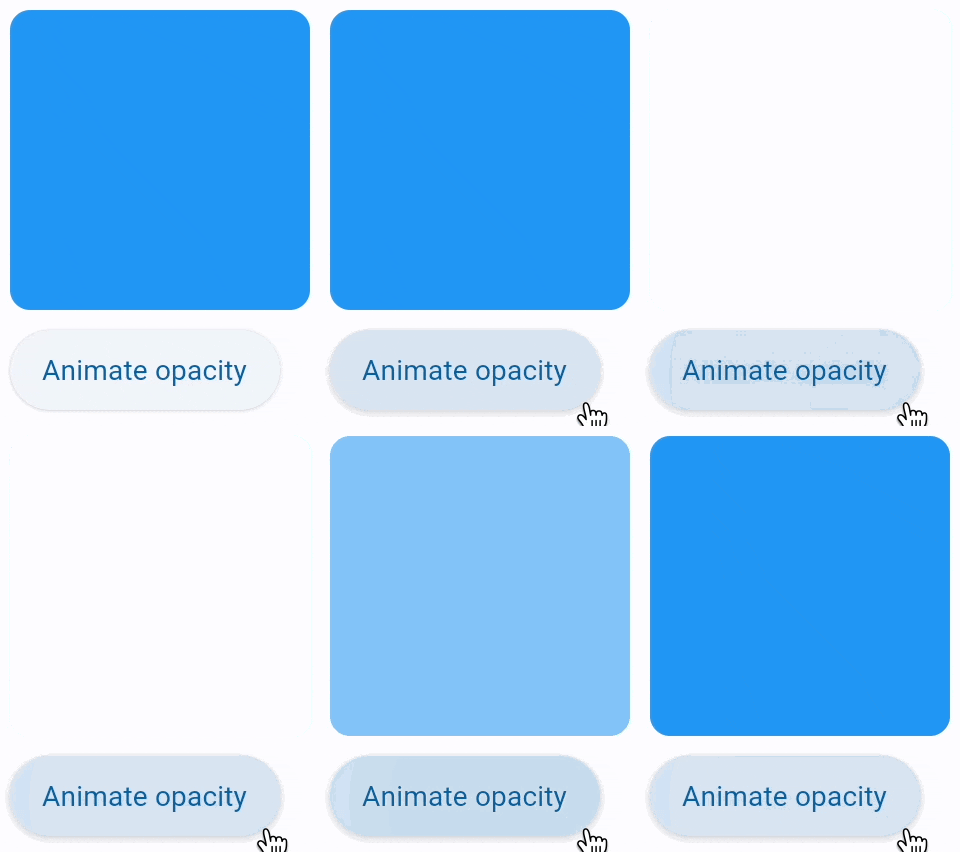
Opacity animation
Setting control's animate_opacity to either True, number or an instance of Animation class (see above)
enables implicit animation of Control.opacity property.
import flet as ft


def main(page: ft.Page):
    def animate_opacity(e: ft.Event[ft.Button]):
        container.opacity = 0 if container.opacity == 1 else 1
        container.update()

    page.add(
        ft.SafeArea(
            content=ft.Column(
                controls=[
                    container := ft.Container(
                        width=150,
                        height=150,
                        bgcolor=ft.Colors.BLUE,
                        border_radius=10,
                        animate_opacity=300,
                    ),
                    ft.Button(
                        content="Animate opacity",
                        on_click=animate_opacity,
                    ),
                ],
            ),
        )
    )


if __name__ == "__main__":
    ft.run(main)
Rotation animation
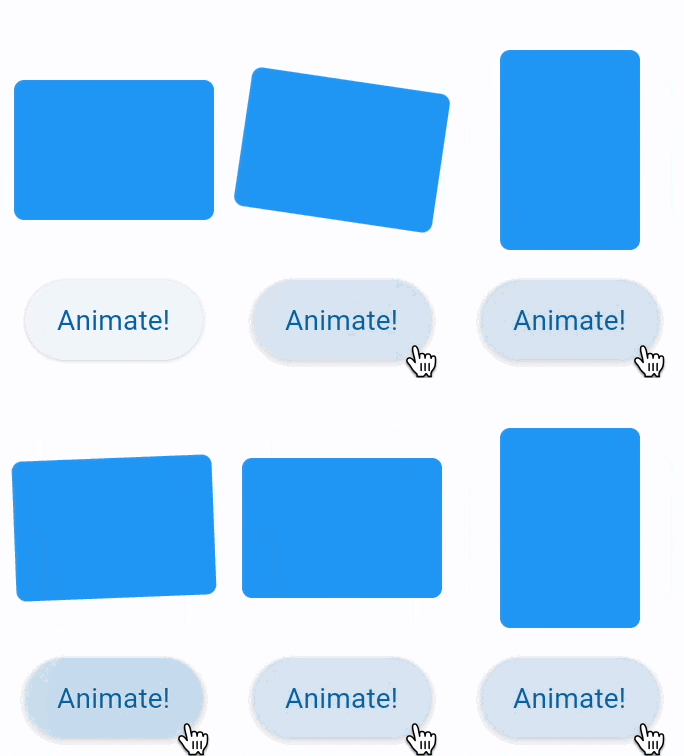
Setting control's animate_rotation to either True, number or an instance of Animation class (see above)
enables implicit animation of LayoutControl.rotate property.
from math import pi

import flet as ft


def main(page: ft.Page):
    page.vertical_alignment = ft.MainAxisAlignment.CENTER
    page.horizontal_alignment = ft.CrossAxisAlignment.CENTER
    page.spacing = 30

    def animate(e: ft.Event[ft.Button]):
        container.rotate.angle += pi / 2
        container.update()

    page.add(
        ft.SafeArea(
            content=ft.Column(
                horizontal_alignment=ft.CrossAxisAlignment.CENTER,
                controls=[
                    container := ft.Container(
                        width=100,
                        height=70,
                        bgcolor=ft.Colors.BLUE,
                        border_radius=5,
                        rotate=ft.Rotate(angle=0, alignment=ft.Alignment.CENTER),
                        animate_rotation=ft.Animation(
                            duration=300,
                            curve=ft.AnimationCurve.BOUNCE_OUT,
                        ),
                    ),
                    ft.Button("Animate!", on_click=animate),
                ],
            ),
        )
    )


if __name__ == "__main__":
    ft.run(main)
Scale animation
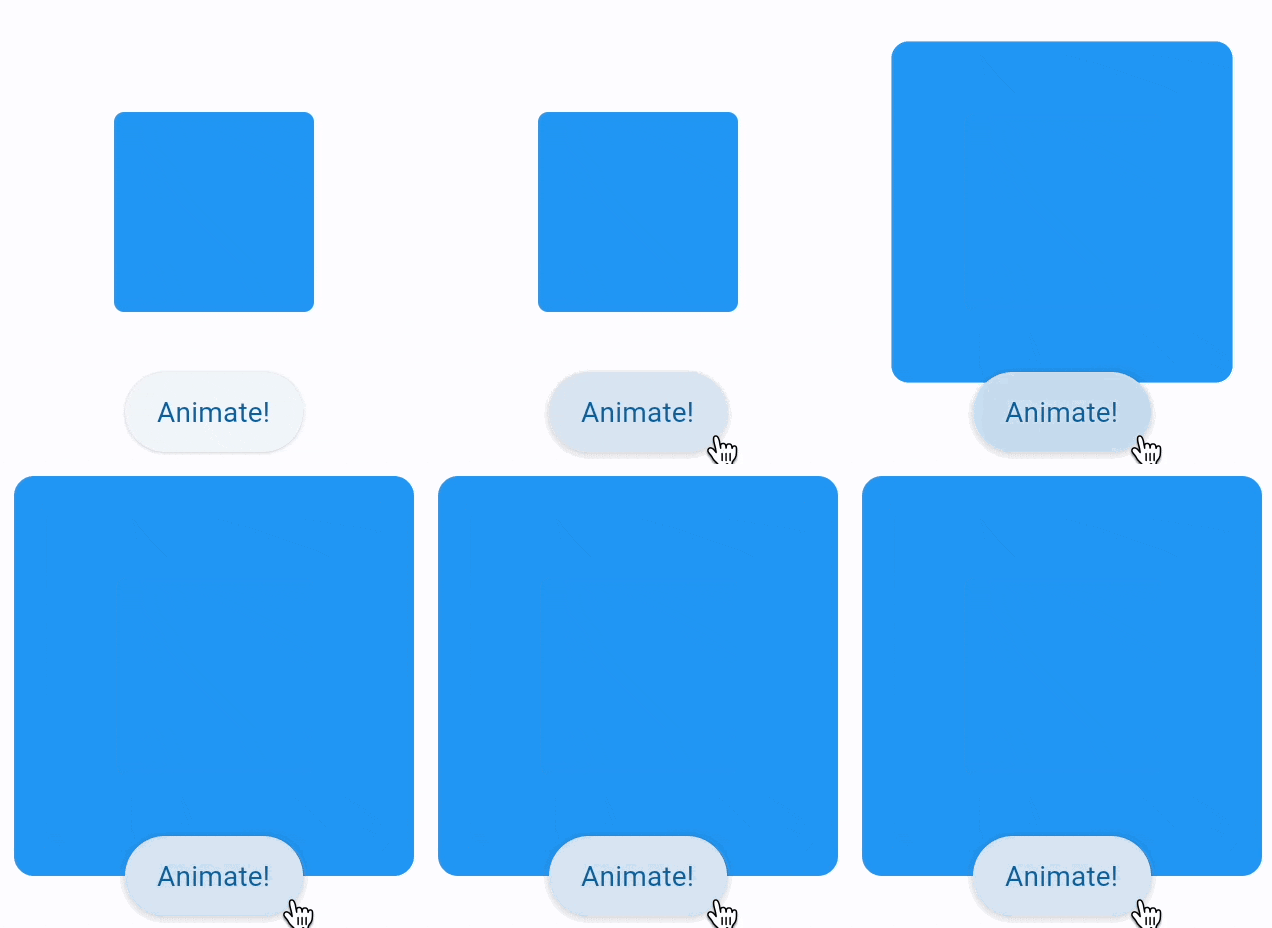
Setting control's animate_scale to either True, number or an instance of Animation class (see above)
enables implicit animation of LayoutControl.scale property.
import flet as ft


def main(page: ft.Page):
    page.vertical_alignment = ft.MainAxisAlignment.CENTER
    page.horizontal_alignment = ft.CrossAxisAlignment.CENTER
    page.spacing = 30

    def animate(e: ft.Event[ft.Button]):
        container.scale = 2 if container.scale == 1 else 1
        container.update()

    page.add(
        ft.SafeArea(
            content=ft.Column(
                horizontal_alignment=ft.CrossAxisAlignment.CENTER,
                controls=[
                    container := ft.Container(
                        width=100,
                        height=100,
                        bgcolor=ft.Colors.BLUE,
                        border_radius=5,
                        scale=1,
                        animate_scale=ft.Animation(
                            duration=600,
                            curve=ft.AnimationCurve.BOUNCE_OUT,
                        ),
                    ),
                    ft.Button("Animate!", on_click=animate),
                ],
            ),
        )
    )


if __name__ == "__main__":
    ft.run(main)
Offset animation
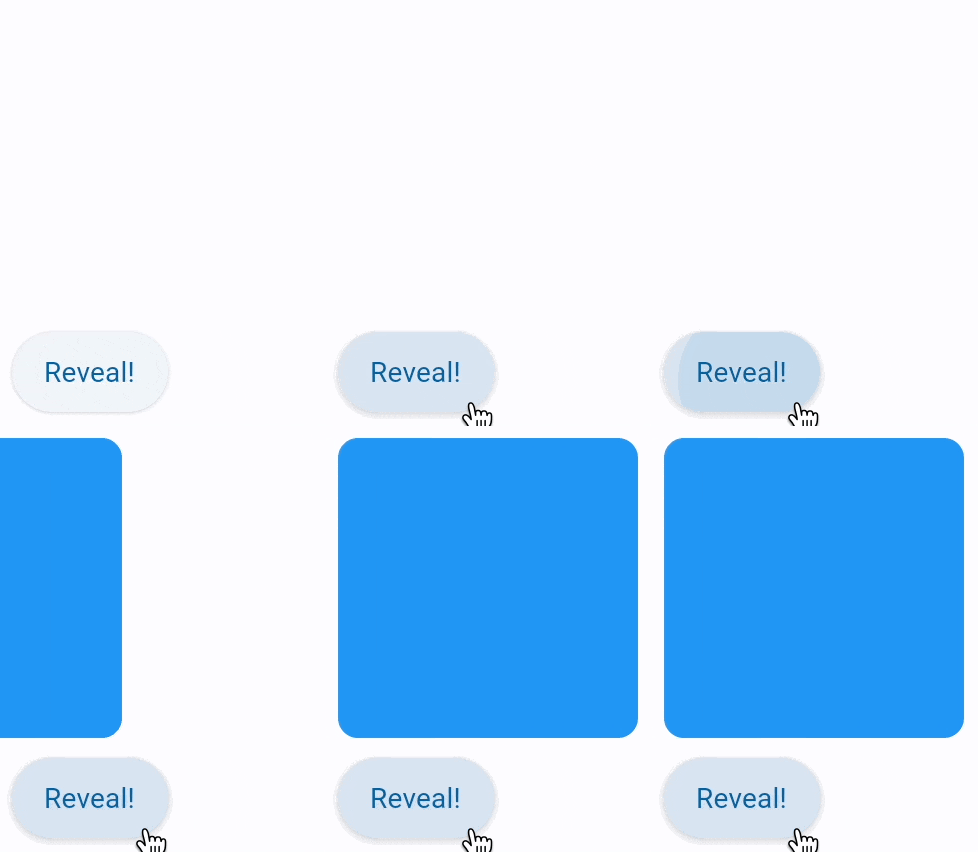
Setting control's animate_offset to either True, number or an instance of Animation class (see above)
enables implicit animation of LayoutControl.offset property.
offset property is an instance of Offset class which specifies horizontal x and vertical y
offset of a control scaled to control's size. For example, an offset Offset(-0.25, 0) will result in
a horizontal translation of one quarter the width of the control.
Offset animation is used for various sliding effects:
import flet as ft


def main(page: ft.Page):
    def animate(e: ft.Event[ft.Button]):
        container.offset = ft.Offset(0, 0)
        container.update()

    page.add(
        ft.SafeArea(
            content=ft.Column(
                controls=[
                    container := ft.Container(
                        width=150,
                        height=150,
                        bgcolor=ft.Colors.BLUE,
                        border_radius=ft.BorderRadius.all(10),
                        offset=ft.Offset(x=-1.1, y=0),
                        animate_offset=ft.Animation(
                            duration=600,
                            curve=ft.AnimationCurve.BOUNCE_OUT,
                        ),
                    ),
                    ft.Button("Reveal!", on_click=animate),
                ],
            ),
        )
    )


if __name__ == "__main__":
    ft.run(main)
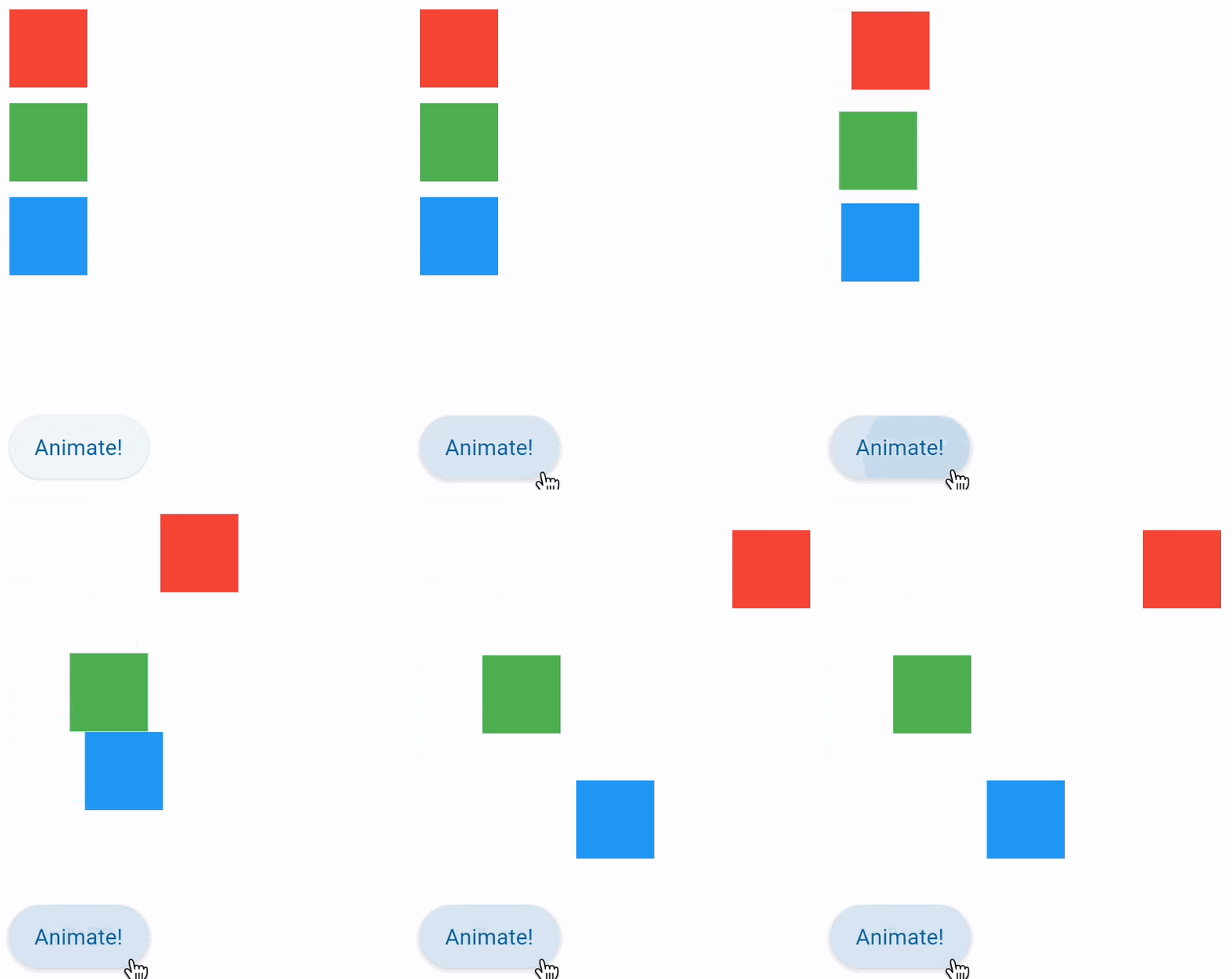
Position animation
Setting control's animate_position to either True, number or an instance of Animation class
(see above) enables implicit animation of the following LayoutControl properties:
left, right,
bottom, top.
Note: Positioning is effective only if the control is a descendant of one of the following:
StackcontrolPage.overlaylist
import flet as ft


def main(page: ft.Page):
    def animate_container(e: ft.Event[ft.Button]):
        c1.top = 20
        c1.left = 200
        c2.top = 100
        c2.left = 40
        c3.top = 180
        c3.left = 100
        stack.update()

    page.add(
        ft.SafeArea(
            content=ft.Column(
                controls=[
                    stack := ft.Stack(
                        height=400,
                        controls=[
                            c1 := ft.Container(
                                width=50,
                                height=50,
                                bgcolor="red",
                                animate_position=1000,
                            ),
                            c2 := ft.Container(
                                width=50,
                                height=50,
                                bgcolor="green",
                                top=60,
                                left=0,
                                animate_position=500,
                            ),
                            c3 := ft.Container(
                                width=50,
                                height=50,
                                bgcolor="blue",
                                top=120,
                                left=0,
                                animate_position=1000,
                            ),
                        ],
                    ),
                    ft.Button("Animate!", on_click=animate_container),
                ],
            ),
        )
    )


if __name__ == "__main__":
    ft.run(main)
Animate
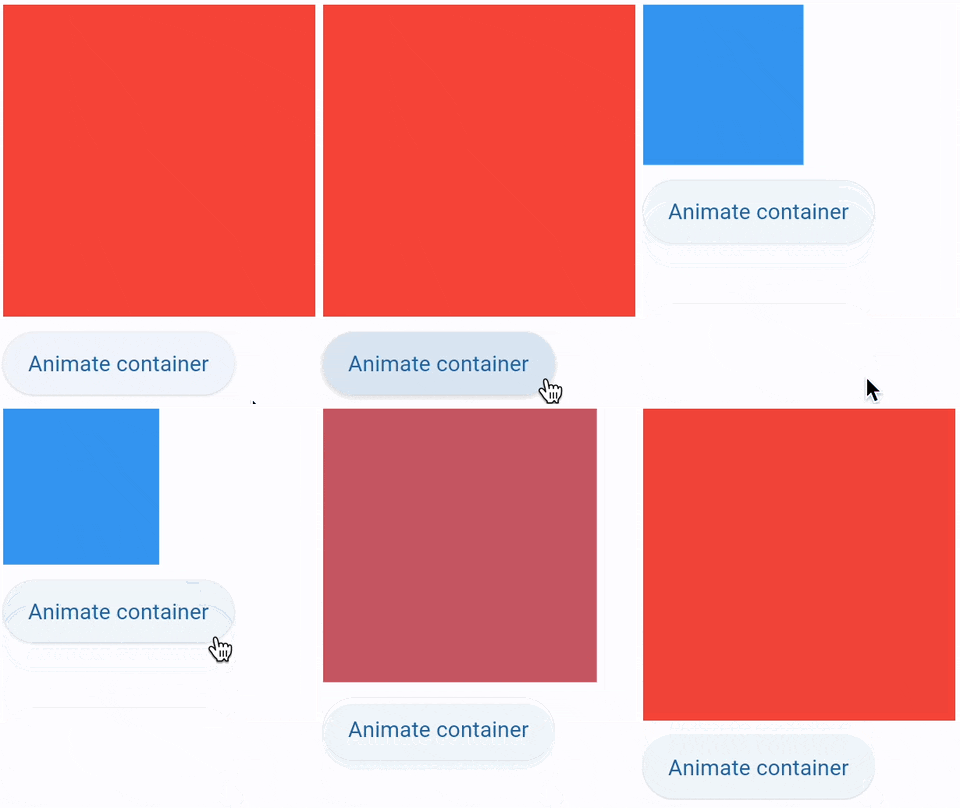
Setting Container.animate to AnimationValue
enables implicit animation of container properties such as size, background color, border style, gradient.
import flet as ft


def main(page: ft.Page):
    def animate_container(e: ft.Event[ft.Button]):
        container.width = 100 if container.width == 150 else 150
        container.height = 50 if container.height == 150 else 150
        container.bgcolor = (
            ft.Colors.BLUE if container.bgcolor == ft.Colors.RED else ft.Colors.RED
        )
        container.update()

    page.add(
        ft.SafeArea(
            content=ft.Column(
                controls=[
                    container := ft.Container(
                        width=150,
                        height=150,
                        bgcolor=ft.Colors.RED,
                        animate=ft.Animation(
                            duration=1000, curve=ft.AnimationCurve.BOUNCE_OUT
                        ),
                    ),
                    ft.Button("Animate container", on_click=animate_container),
                ]
            )
        ),
    )


if __name__ == "__main__":
    ft.run(main)
Animated content switcher
AnimatedSwitcher allows animated transition between two controls ('new' and 'old').
import time

import flet as ft

def main(page: ft.Page):
    i = ft.Image(src="https://picsum.photos/150/150", width=150, height=150)

    def animate(e):
        sw.content = ft.Image(
            src=f"https://picsum.photos/150/150?{time.time()}", width=150, height=150
        )
        page.update()

    sw = ft.AnimatedSwitcher(
        i,
        transition=ft.AnimatedSwitcherTransition.SCALE,
        duration=500,
        reverse_duration=500,
        switch_in_curve=ft.AnimationCurve.BOUNCE_OUT,
        switch_out_curve=ft.AnimationCurve.BOUNCE_IN,
    )

    page.add(
        sw,
        ft.Button("Animate!", on_click=animate),
    )

ft.run(main)

Animation end callback
LayoutControl also has an
on_animation_end event handler, which is called
when an animation is complete. It can be used to chain multiple animations.
Event's data field/property contains the name of animation:
"opacity""rotation""scale""offset""position""container"
For example:
ft.Container(
    content=ft.Text("Animate me!"),
    animate=ft.Animation(1000, ft.AnimationCurve.BOUNCE_OUT),
    on_animation_end=lambda e: print("Container animation end:", e.data)
)