SelectionArea
Flet controls are not selectable by default. SelectionArea is used to enable selection for its child control.
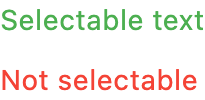
Inherits: Control
Examples
Basic Example
import flet as ft

TEXT_STYLE = ft.TextStyle(
    size=22,
    weight=ft.FontWeight.W_600,
    decoration=ft.TextDecoration(
        ft.TextDecoration.UNDERLINE | ft.TextDecoration.OVERLINE
    ),
    decoration_style=ft.TextDecorationStyle.WAVY,
)


def main(page: ft.Page):
    page.add(
        ft.SafeArea(
            content=ft.Column(
                controls=[
                    ft.SelectionArea(
                        content=ft.Column(
                            controls=[
                                ft.Text(
                                    "Selectable text",
                                    color=ft.Colors.GREEN,
                                    style=TEXT_STYLE,
                                    key="selectable",
                                ),
                                ft.Text(
                                    "Also selectable",
                                    color=ft.Colors.GREEN,
                                    style=TEXT_STYLE,
                                ),
                            ]
                        )
                    ),
                    ft.Text(
                        "Not selectable",
                        color=ft.Colors.RED,
                        style=TEXT_STYLE,
                        key="non-selectable",
                    ),
                ]
            )
        )
    )


if __name__ == "__main__":
    ft.run(main)
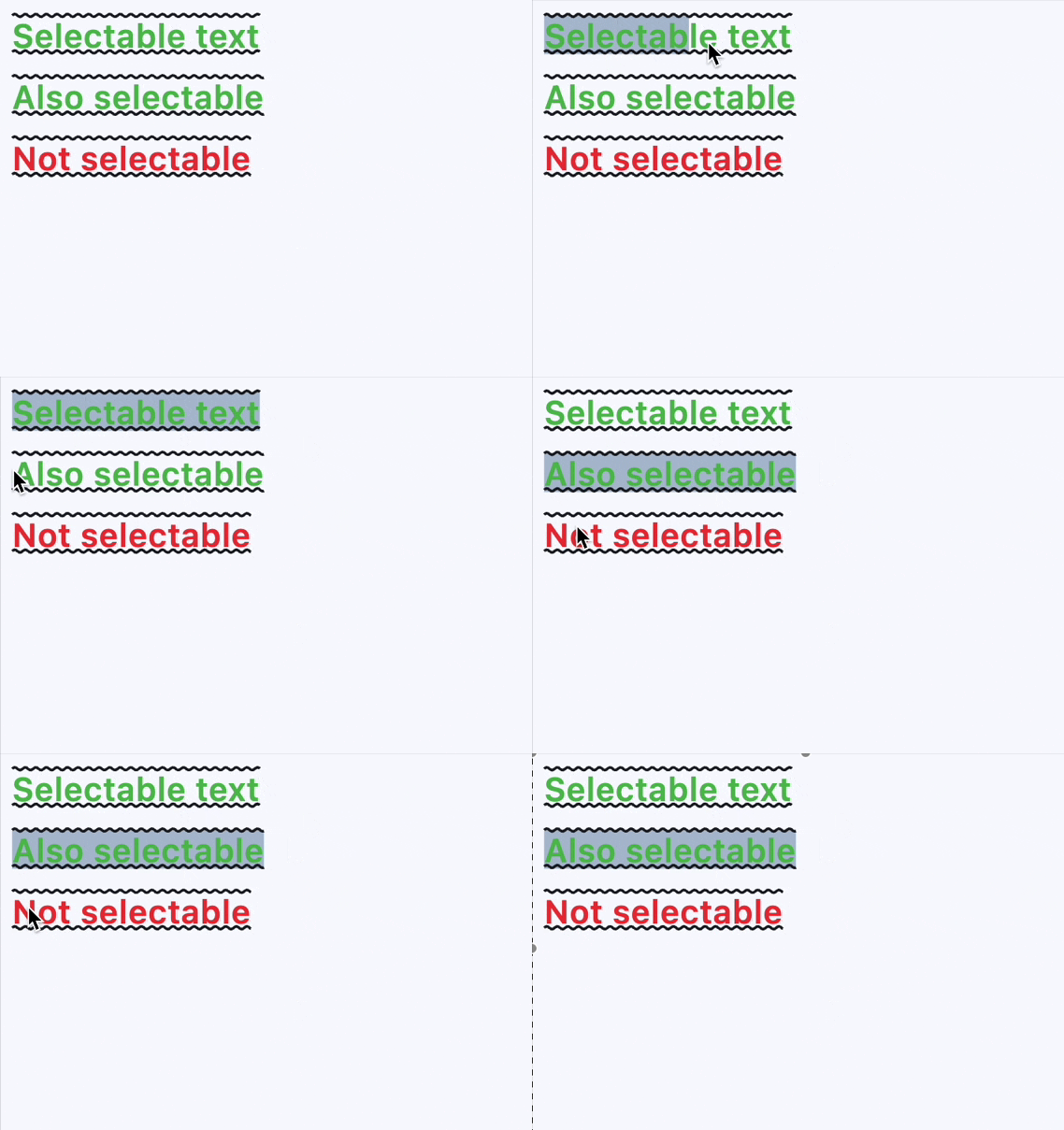
Properties
contentinstance-attribute
content: Annotated[Control, V.visible_control()]The child control this selection area applies to.
If you need to have multiple selectable controls, use container-like controls
like Row or Column, which have a controls property
for this purpose.
Raises:
- ValueError - If content is not visible.
Events
on_changeclass-attributeinstance-attribute
on_change: Optional[ControlEventHandler[SelectionArea]] = NoneCalled when the selected content changes.